 plots
plotsFeatures · Grow
What is eating the brassicas, named at the bed
Walk the beds with the phone, snap the damage, and get the three most likely culprits with a confidence on each. Log a Pest scout against the bed in one tap, say a note out loud when your hands are full, and see pressure build across the farm on one map before it becomes a loss.
Pest scouts
Same bed, same aphids, one tap
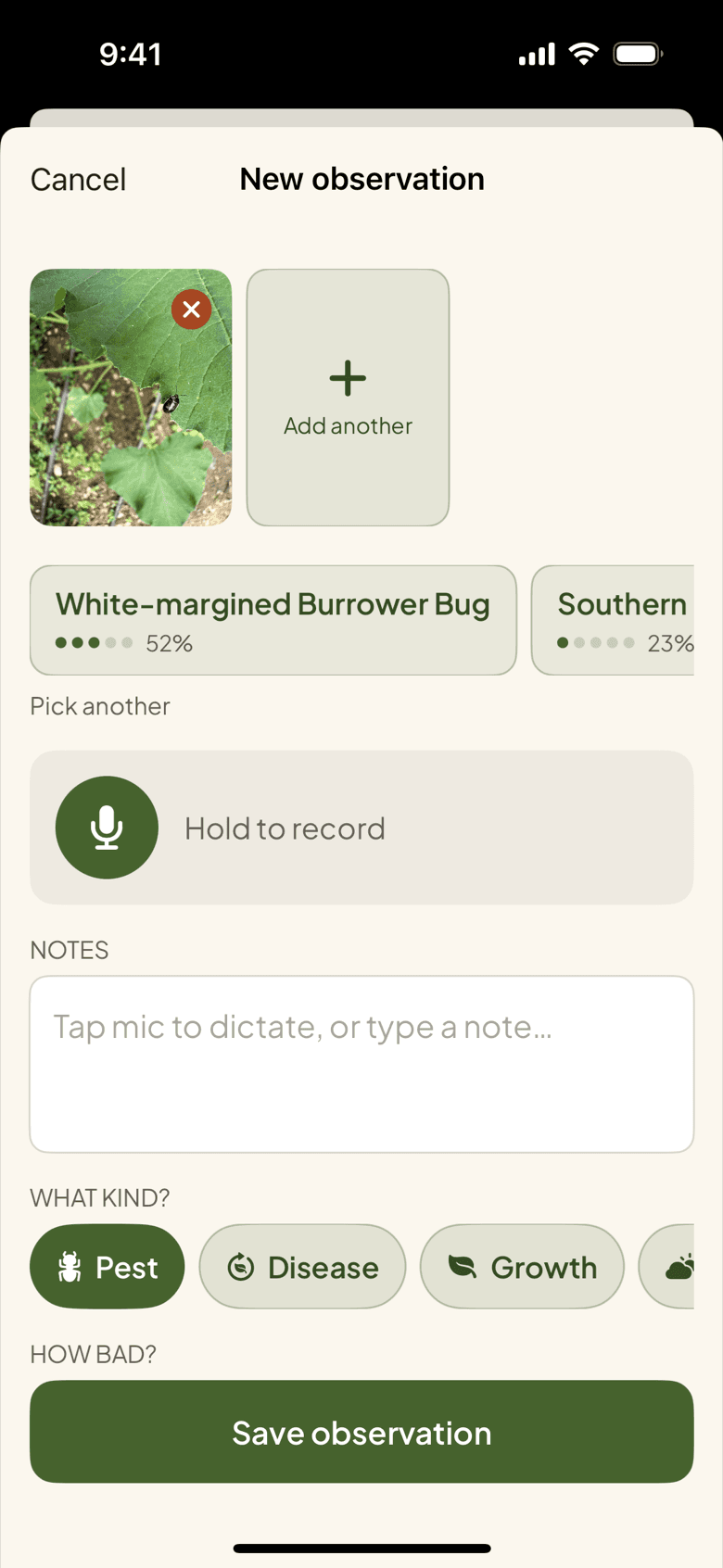
A Pest scout is a count, not a paragraph: bed, pest, severity from 0 to 5, date. Open Bed 6 and the last pest you logged there is already filled in, so the Tuesday aphid check is one tap on the severity and done. Scout the same beds every week and the series tells you whether the ladybugs are winning. When pressure keeps coming back, a push notification says so before you forget which bed it was.
- Last-used pest pre-filled per bed
- Severity 0 to 5, with a pest threshold push when it recurs
Pressure map
Ten beds scouted, one map
Ten scouts on a Tuesday morning become one picture: a heatmap over the farm showing which beds carry the pressure and how it moved since last week. The flea beetles that started in the north brassicas are two beds further south. You decide where to put the row cover and where to let it go, from the pattern rather than from the memory of a walk.
Diagnose
A yellow leaf, a likely cause
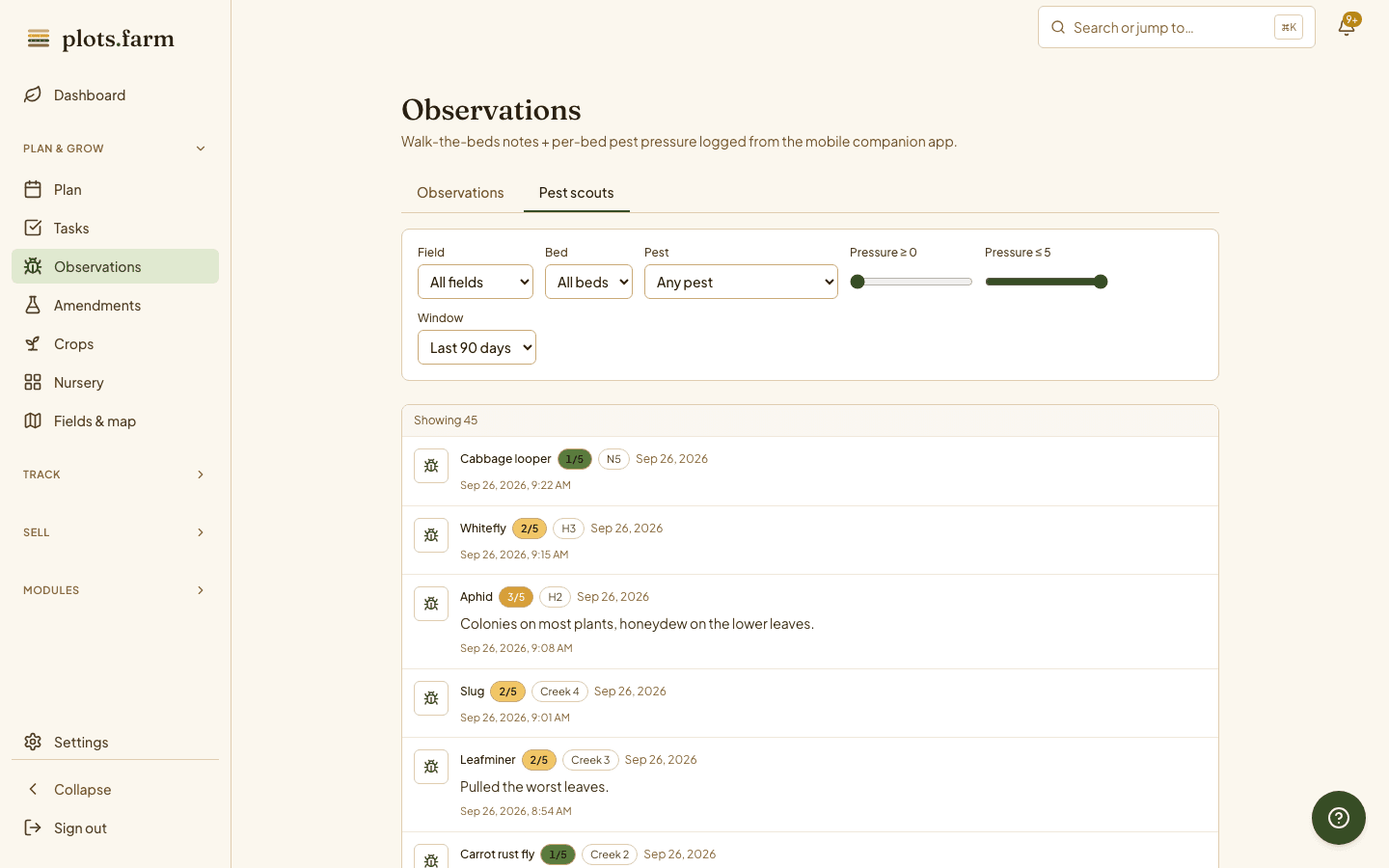
A squash leaf on A4 is turning yellow. Open the observation on the web, choose Diagnose health on its photo, and it comes back with the likely cause, how sure it is, and what to try next: nutrient deficiency, 78 percent sure. Apply it to the observation and the diagnosis joins the note. It is a starting point for your own judgement at the bed, not a verdict. Diagnose has a monthly allowance that grows with your plan; photo observations and Pest scouts are on every plan.
Voice notes
Hands full. Just say it
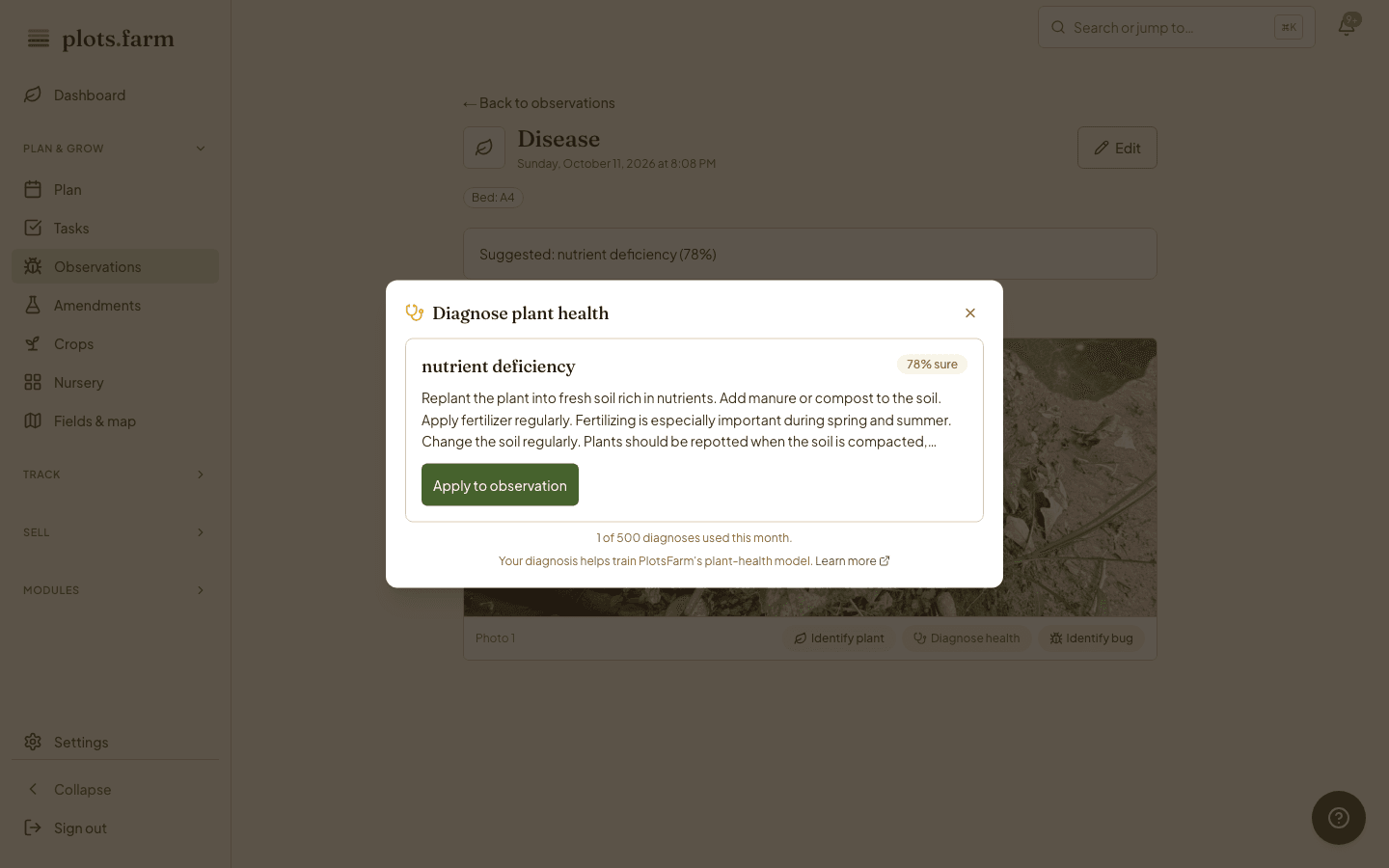
You are holding a flat and the cucumber beetles are back on H1. Hold the mic on a new observation, say it, and what you said becomes the note, saved against the bed. It lands in the observations list on the web beside the photo notes. Saving runs in the background, so a dead spot by the back field or a phone that goes to sleep in your pocket does not lose it; it finishes when signal returns, and tells you if a draft is still waiting.
- What you say becomes the note on the bed
- Saves survive suspension, restarts, and lost signal
Insect ID
Unknown bug, named later
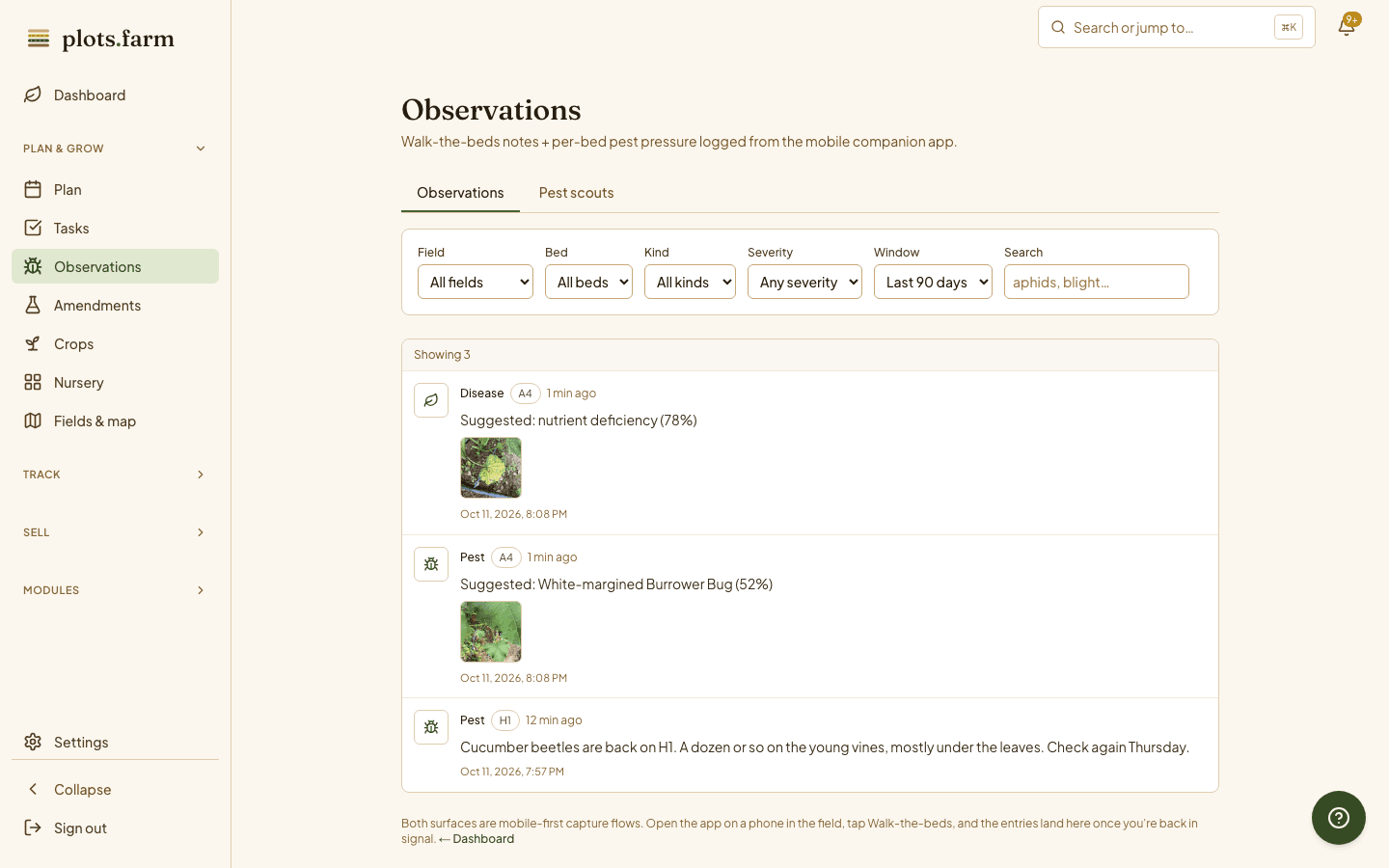
A shiny black bug you have never seen is on a squash leaf. Photograph it in a new observation, mark it Pest, and tap Identify. The closest matches come back with a confidence on each, here a white-margined burrower bug at 52 percent. Tap the match and it goes into the note; save and keep walking. If the top hit is a beneficial, you learn to leave it alone. Every photo stays in the bed's gallery, so next year's bug is this year's record.
More in observations and crop health
Pest scouts
Bed, pest, severity, date; the discrete record that makes a trend readable.
Treatment log with PHI check
Record what went on which bed and the pre-harvest interval before you pick.
Photo observations
Camera-first entry with kind, severity, and body text, filed on the bed.
Aphids logged from the wrist
Pest scout quick-entry on Apple Watch, with the last bed and pest pre-filled.
Beneficial insects
An ID that comes back as a lady beetle is a note to leave the bed alone.
Scout early, scout weekly
The same beds, the same day each week; the series is what tells you something.
Scouting forty beds of mixed vegetables every week? See how market gardeners keep crop health on the record.
PlotsFarm for market gardeners →Works with
Pricing
Start on the free tier
Free is a plan, not a trial. Plan the season, work the task list, log harvests, run a CSA and an online store, and take payments, with no subscription and no card. Selling carries a per-transaction fee; the numbers are on the pricing page.